Editorial illustration, not an official DeepCine screenshot: an app name is only the starting point for a source and package check.
Quick answer
Treat DeepCine app and DeepCine APK as an identity-check problem, not one automatic download result. The Google Play com.deepcine.browser listing is a separate browser/tools identity. The DeepCine.net entertainment listing is a different source record that currently displays v4.1.0, about 55.38 MB, and Android 5.0+. Keep those records separate, use the official page that matches your purpose, and never merge a store version, package name, or file size into the other product.
What this DeepCine app guide covers
- Why “DeepCine app” Can Mean More Than One Product
- Check the Source Before You Check the Version
- What the Checked Version Records Do — and Do Not — Prove
- Choose the Device Route After You Identify the App
- A Five-Minute Decision Flow for DeepCine App Searches
- Common DeepCine App Mistakes to Avoid
- Which DeepCine Guide Should You Open Next?
- Sources checked for this identity guide
- DeepCine App FAQ
Why “DeepCine app” Can Mean More Than One Product
A brand search is not always a package search. People type DeepCine app when they want to open a browser-based tool, install an Android entertainment APK, find an online version, or identify a file they already downloaded. Search pages can place these results next to one another even when the descriptions point to different jobs. The first useful question is therefore not “where is the download button?” but “what product does this page actually describe?”
The Google Play record uses com.deepcine.browser and describes a browser/tools product. The DeepCine.net record describes an entertainment APK. A matching name is not enough to combine them: compare purpose, package, publisher, version, size, permissions, and source before installing.
The safest comparison keeps the source URL, package identifier, visible version, file size, and check date in the same note. If a search result redirects to a mirror or changes the download label, you can see exactly which record was verified instead of treating a familiar name as proof that the products are connected.
| Record | What it describes | How to use it |
|---|---|---|
| Google Play com.deepcine.browser | A separate browser/tools app identity | Use the official store page if this is the product you want |
| DeepCine.net listing | An entertainment APK record shown as v4.1.0 | Use it as a dated source record, then verify the final file |
| Random mirror or mod page | A third-party claim that may mix names and files | Do not treat the page title as proof of identity |
Check the Source Before You Check the Version
A version number matters only when it belongs to a recognizable source. Check the page that publishes it: a store exposes package, publisher, permissions, and update history; a website listing may provide version and device facts but does not prove every redirected file.
The DeepCine.net record used here shows v4.1.0, about 55.38 MB, and Android 5.0+. These are dated comparison facts. Keep com.deepcine.browser attached to the separate store identity. If a third-party page combines records or changes the package or size without explanation, stop.
| Evidence to compare | Useful signal | Red flag |
|---|---|---|
| Product purpose | Browser/tools or entertainment APK is clearly stated | One page mixes browser, streaming, and premium claims |
| Package identity | The package stays consistent with the source record | The name changes after redirects or a download step |
| Publisher and update trail | The store or source page explains who maintains it | A mirror says “official” but gives no traceable publisher |
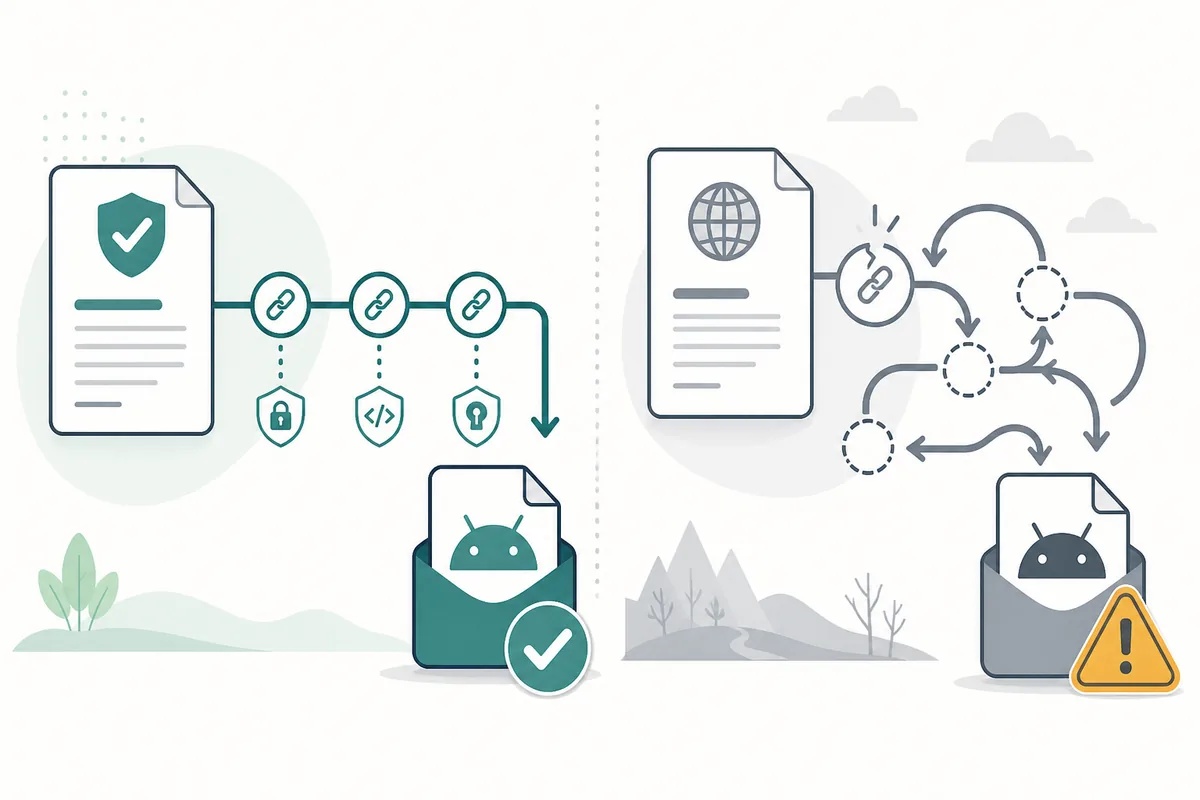
Source identity should be checked before version claims are compared; the illustration is not a screenshot of either service.
What the Checked Version Records Do — and Do Not — Prove
DeepCine latest version can hide an identity problem. The checked entertainment listing displays v4.1.0, about 55.38 MB, and Android 5.0+. The Google Play record is separate, and a larger number on a mirror does not prove a genuine release.
Use the number, size, Android requirement, date, package, and permissions together. If a field changes, investigate. This page does not call a file latest, safe, or official without current first-party support; when no stable direct URL is verified, use the official source page.
| Field | Checked entertainment record | Interpretation |
|---|---|---|
| Visible version | v4.1.0 | A dated listing value checked on September 7, 2026 |
| Approximate size | 55.38 MB | A comparison signal, not a cryptographic proof |
| Android requirement | Android 5.0+ | A listed minimum; playback compatibility can still differ |
Choose the Device Route After You Identify the App
Installation advice depends on both product and device. Android phones and tablets can inspect an APK, while TV Box devices add remote focus, landscape layout, launcher, and playback checks. A device label does not prove an official build.
An APK is not an iOS package and does not install directly on Samsung Tizen. PC users should use a browser or reputable Android emulator; an unknown EXE or MSI is a separate risk. Apply platform guides only after the identity check.
| Platform | Reasonable next step | Do not assume |
|---|---|---|
| Android phone or tablet | Compare source, package, size, permissions, and Android requirement | That every file with the name DeepCine is the same app |
| Android TV or TV Box | Use the Smart TV guide and test remote navigation | That a phone APK has a usable TV layout |
| iPhone, iPad, or Samsung Tizen | Use a native app, browser, casting, or official store route | That an Android APK installs directly |
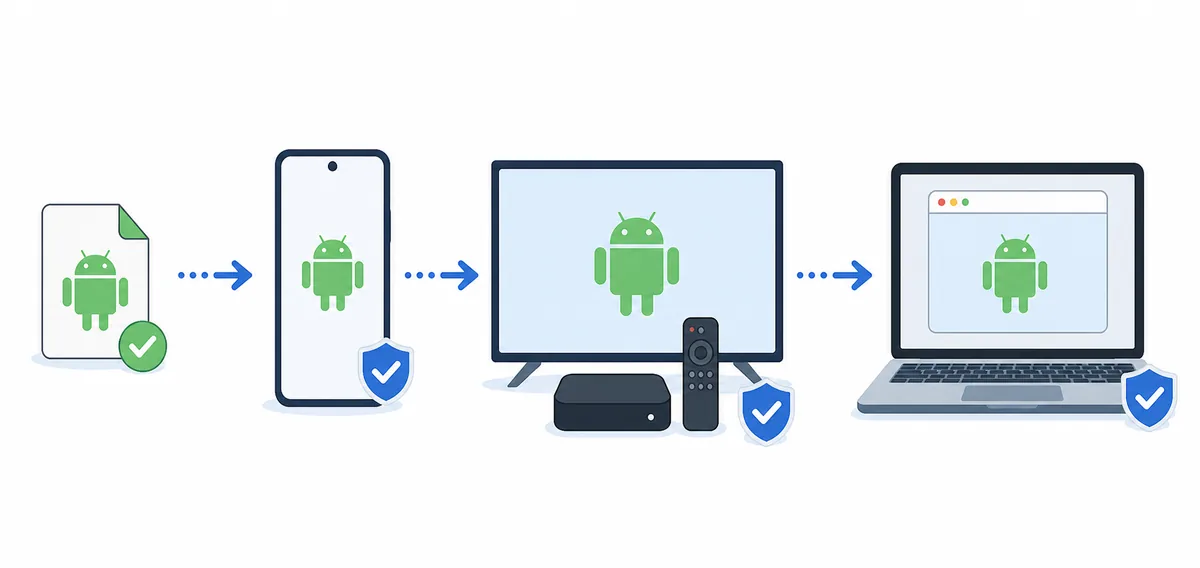
Verify the product record first, then apply the device-specific route; this is an editorial diagram, not an official compatibility screenshot.
A Five-Minute Decision Flow for DeepCine App Searches
Use a short flow. Name the task—browser/tool, entertainment APK, TV playback, or PC testing—then open the source that matches it. Record the identity before a page moves you from a store listing to a mirror.
Compare the final record with the source. If package, version, size, permissions, publisher, or platform route cannot be explained, stop; a slower decision is safer than troubleshooting a renamed file.
- Name the task: browser/tools, entertainment APK, TV playback, or PC testing.
- Open the official store or first-party source page that matches that task.
- Record the product purpose, package name, visible version, file size, Android requirement, and check date.
- Compare the final file or store record before opening it; reject unexplained redirects, renamed files, and extra installers.
Common DeepCine App Mistakes to Avoid
Common mistakes are treating every result as one download, trusting a larger version number, or assuming that browser, entertainment APK, TV, MOD, and PC records share one package. These shortcuts create compatibility and security uncertainty.
- Do not merge Google Play com.deepcine.browser data with the entertainment APK record.
- Do not call a mirror file latest or official only because its title says v4.1.0 or a higher number.
- Do not use an Android APK as an iPhone, iPad, or Samsung Tizen installation method.
- Stop when source, package, permissions, version, and device fit cannot be checked together.
Which DeepCine Guide Should You Open Next?
This page answers identity, not every install question. Open the main download guide for broad APK checks, the latest-version page for the dated record, or a device guide for Android TV, Fire TV, PC, or iPhone/iPad after confirming the route.
Keep YouCine, TizenTube, and Xuper TV as separate intents; compare their own package, source, permissions, and platform instead of treating them as DeepCine replacements.
| Your question | Open next | Why |
|---|---|---|
| Where do I start with the entertainment APK? | DeepCine APK download guide | Broad source, version, screenshot, and install checks |
| Is v4.1.0 still the visible record? | DeepCine latest version guide | Dated version and source comparison |
| Can it work on a TV? | DeepCine for Smart TV | Remote, launcher, layout, and playback checks |
| Can I install it on iPhone or iPad? | DeepCine for iOS | Explains the APK and iOS package boundary |
Sources checked for this identity guide
The links below are the first-party records used for the dated comparison. They are source pages, not a promise that every linked file is current, safe, or legally suitable for every location.
- DeepCine.net source listing — Entertainment APK record and visible version/device facts
- Google Play: DeepCine by MUHAMMAD AHMED — Separate browser/tools identity and com.deepcine.browser package record
DeepCine App FAQ
Need the installation or version guide now?
Use the main APK guide for the broad download checklist, or open the version page when a new number appears. Keep the source identity and device route visible while you compare the file.
Related DeepCine guides
- DeepCine APK download guide - Broad source, install, screenshot, and device checks
- DeepCine latest version guide - Dated v4.1.0 record and update verification steps
- DeepCine for Smart TV - Android TV and TV Box compatibility checks
- DeepCine for iOS - Why Android APK claims do not equal an iPhone install
- DeepCine MOD APK safety guide - No-ads, unlocked, and modified-file risk checks