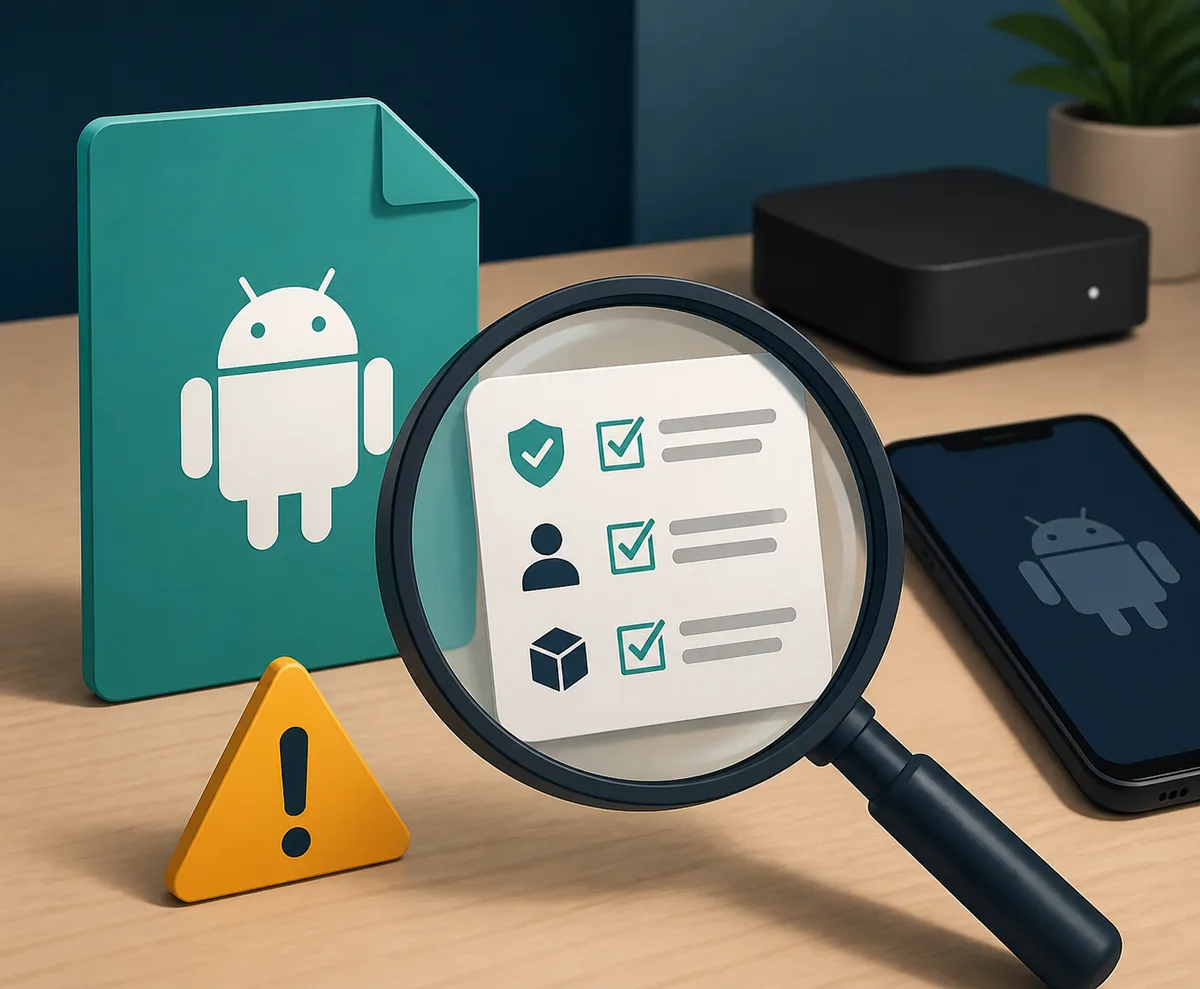
Illustration: verify the source, package identity, and version before treating any Tepicine APK listing as the same app.
Quick answer
There is no single Tepicine APK release that this site can verify as the official latest file. The checked listings use different package names, developers, sizes, and update dates. Use a source page as a reference, compare the package and version inside Android, scan the file, and stop when a listing cannot explain who published it or where it came from.
What this guide covers
- What Tepicine APK searches actually refer to
- Version and package identity: why one number is not enough
- Download-source checks before you tap install
- Android, TV, and Windows routes
- A cautious Tepicine APK installation sequence
- When not to install or when to stop
- Safety, privacy, and legal limits
- Tepicine APK FAQ
What Tepicine APK searches actually refer to
The word Tepicine is used in several kinds of search: finding the app name, looking for an APK download, checking a TV version, or trying to run the app on Windows. Those are related but not identical intents. A page that answers only where to download a file cannot prove that the file belongs to the app the searcher meant.
Treat the keyword as an identity-and-source question first. Before installing, record the developer name, package identifier, version, file size, Android requirement, and source page. If one of these fields changes between listings, you may be looking at a different app, a repackaged file, or an unverified mirror rather than a newer release.
| Search pattern | Likely intent | Best response |
|---|---|---|
| Tepicine | Find the app or current site | Verify the developer and package before choosing a result |
| Tepicine APK / APK download | Find an Android install file | Use a traceable source page, not a guessed direct link |
| Tepicine TV | Use the app on Android TV or a TV box | Check Android compatibility, remote control, and screen fit |
| Tepicine for Windows | Run an Android package on a computer | Use a maintained emulator and reject unknown EXE installers |
Version and package identity: why one number is not enough
The source pages checked for this guide do not line up cleanly. One Softonic listing identifies a Tepicine package as com.soulidol.tepicine, version 1.9.8, about 83.86 MB, with a January 17, 2026 update date. Other third-party listings use different package names and show versions such as 2.0.4 or 2.0.2. A larger number therefore does not prove that the file is an update of the same app.
The most useful evidence is the combination of fields, not the version string alone. A trustworthy record should let you compare the package identifier, publisher, release date, file size, Android requirement, and source domain. When a page hides the package, redirects through several download steps, or promises premium access without a verifiable publisher, treat it as a stop signal.
| Check | Record | Stop condition |
|---|---|---|
| Package | Exact Android package identifier | The package is missing or changes between pages |
| Publisher | Developer or signing identity shown by the source | The page has no accountable publisher |
| Version | Version plus release/update date | Only a badge says latest with no release evidence |
| File | Size, extension, and Android requirement | The file type or size does not match the listing |
| Source | Stable page and redirect path | A shortened link hides the final host or download step |
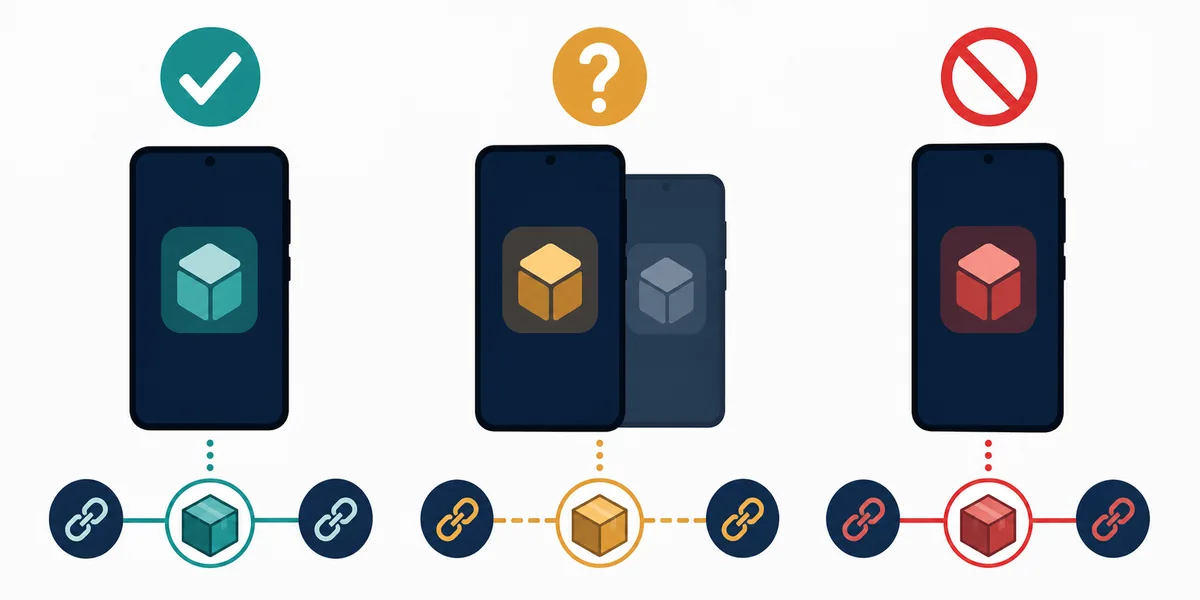
Illustration: match the package and source path before assuming that two similarly named APK files are the same app.
Download-source checks before you tap install
This page does not publish a direct Tepicine APK file URL because the checked evidence does not establish one stable first-party release. The source pages below are reference points for comparing listings, not a safety guarantee. A page can be live, popular, or indexed and still host a repackaged APK.
Start with the source record, then inspect the file locally. Keep the original page URL, download date, package name, version, and file size in your notes. If the file came through an ad-heavy redirect or the final host is different from the page you trusted, stop and re-check the identity before opening it.
- Open the source page directly and note the publisher, package, version, size, and Android requirement.
- Compare the APK file name and size with the source record before moving it to a phone or TV.
- Scan the file with local security tools and do not treat a clean scan as proof of legitimacy.
- Review permissions after installation and deny access that has no clear connection to playback or navigation.
- Avoid MOD, VIP, no-ads, cracked, or unlocked builds when the publisher and package cannot be verified.
- Keep a copy of the source URL and remove the APK if the listing changes identity during the process.
Android, TV, and Windows routes
A phone APK and a TV-ready build are not automatically interchangeable. Android TV and TV boxes need remote-friendly focus states, readable text, and playback controls that work without touch. Fire TV can require a separate sideload path and permission cleanup. If the app opens but the remote cannot select controls, that is a compatibility problem, not a reason to download a random modified build.
Windows and Mac searches usually mean running the Android package inside an emulator. They do not prove that a native desktop installer exists. An EXE, MSI, browser extension, or bundled ZIP using the Tepicine name should be treated as a separate software claim until an accountable publisher verifies it.
| Target | What can work | What not to assume |
|---|---|---|
| Android phone or tablet | A compatible APK after source and package checks | That every mirror is the same release |
| Android TV or TV box | A build that supports Android TV navigation and playback | That a phone layout will work well with a remote |
| Fire TV | A carefully checked sideload route when the device supports it | That Downloader codes or shortened URLs are official |
| Windows or Mac | An Android emulator plus a verified APK | That an unknown EXE is an official desktop client |
A cautious Tepicine APK installation sequence
Use this order to reduce avoidable mistakes. The sequence is deliberately slower than a one-click download page because the current source evidence is mixed. If the package, developer, or file size cannot be reconciled, do not continue to the installation step.
For a TV box or emulator, make the first launch a test rather than a sign-in session. Check opening behavior, navigation, playback controls, and unexpected permission prompts before connecting important accounts or storing personal data.
- Choose a source page that identifies the app instead of starting from a pop-up or shortened link.
- Write down the package name, version, date, size, Android requirement, and publisher.
- Download the file and compare its extension, size, and name with the source record.
- Scan the file locally and keep the source page available for later comparison.
- Install only on a test profile or device when the identity remains uncertain.
- Open the app once, test menus and playback, and review permissions before signing in.
- Remove the file and stop if the app requests unrelated access, redirects repeatedly, or changes identity.
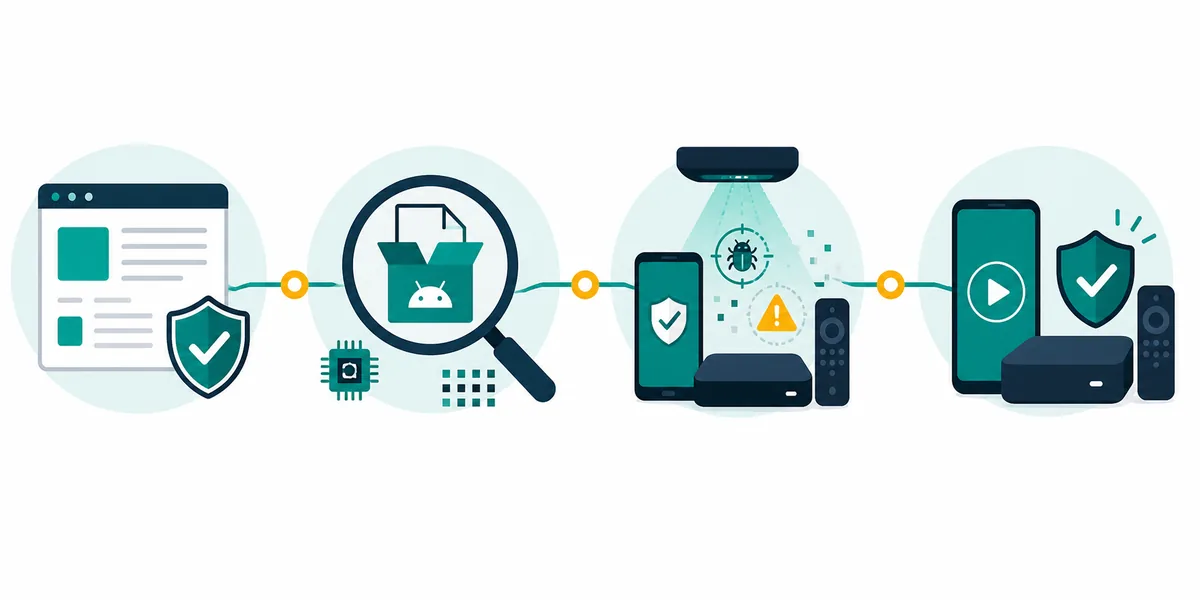
Illustration: source check, file inspection, local scan, and a limited first launch should happen in that order.
When not to install or when to stop
Do not let a search result force a download decision. Stop when the page claims a latest version but has no publisher, when package names conflict, when the APK is wrapped in a second installer, or when the file asks for permissions unrelated to its stated function. A missing source record is itself useful information: it means the page cannot support a confident installation recommendation.
Be especially cautious with MOD APK promises, login bypasses, premium unlocks, ad removal, or new-address messages. These phrases often push users toward mirrors that are difficult to verify. If a listing cannot be checked against a stable source and a matching package identity, keep it out of the device.
- The download page has no accountable developer or package identifier.
- The page gives a newer version number but no release date, file size, or changelog.
- The file redirects to an EXE, MSI, extension, ZIP bundle, or unrelated installer.
- The app requests contacts, SMS, accessibility, administrator, or payment access without a clear reason.
- The TV interface cannot be controlled with a remote after basic testing.
- The source changes domain or package name while you are downloading.
Safety, privacy, and legal limits
DeepCine.blog does not develop or operate Tepicine and cannot guarantee that any third-party APK is safe, current, legal, or functional. Availability and streaming rights vary by source and country. Use content you are allowed to access, follow local copyright rules, and do not enter payment credentials into a package whose publisher you cannot verify.
A security scan, an app-store badge, or a large number of downloads is not the same as proof of identity. Keep Android and the emulator updated, use a separate test profile when practical, remove unused APK files, and review permissions after updates. The safest answer is sometimes to skip the install and choose a verified, legal service instead.
Tepicine APK FAQ
Need a safer next step?
If the Tepicine listing cannot be verified, use a device-specific guide or compare alternative routes instead of chasing an unconfirmed file.
Related guides
- DeepCine alternatives guide - Compare APK, TV box, iPhone, PC emulator, and legal streaming routes.
- DeepCine Smart TV guide - Check Android TV compatibility, remote control, and sideloading boundaries.
- DeepCine for PC guide - Use an emulator path and reject unverified Windows installers.
- Baixar DeepCine APK guide - Review a separate APK version and source-check workflow.