Concept illustration generated for this guide. It is not a real Roku or Xuper TV screenshot and does not prove that a package is official.
Short answer
At the time checked, no verified Xuper TV Roku channel, Roku package, or first-party Roku release was found. Roku uses its own Roku OS channel model, while an APK is an Android package. A page that promises to install an Android APK directly on Roku is mixing two different platforms. If you want to use a compatible route, first identify the device operating system, then use a platform-native channel or a separate Android TV or Fire TV device with a source you can inspect.
What this Xuper TV Roku guide covers
- What Xuper TV Roku searches are really asking
- Why an Android APK does not install on Roku
- Xuper TV source and version check for Roku searches
- Roku, Android TV, Fire TV, and Smart TV are different routes
- A safer decision flow for Xuper TV Roku questions
- How to spot misleading Xuper TV Roku download claims
- Xuper TV Roku FAQ
What Xuper TV Roku searches are really asking
The phrase xuper tv roku is an informational compatibility query, not proof that a Roku APK exists. Searchers may be asking whether Roku can install an APK, why an installation tutorial fails, whether a Roku TV is the same as an Android TV, or which external device can provide an Android environment. Keeping those questions together avoids turning a compatibility problem into a random-download recommendation.
Similarweb's global keyword data found an exact xuper tv roku match at about 1,315 monthly searches and 1,970 in the current 28-day window, with difficulty 56. The question tab also includes why Roku cannot install Xuper TV and how to install Xuper TV on Roku. Those questions support a guide that gives a clear platform answer, explains the limitation, and offers a checkable next step rather than inventing a file link.
| Search wording | Likely intent | Use in this guide |
|---|---|---|
| xuper tv roku | Can the app work on Roku? | Primary compatibility answer |
| can you install xuper tv on roku | Installation feasibility | Explain Roku OS versus Android APK |
| xuper tv roku compatibility | Device and platform check | Compare Roku, Android TV, and Fire TV |
| Roku APK | Can Roku sideload Android packages? | Reject the unsupported APK assumption |
| Xuper TV MOD or direct download | Altered or unverified package | Safety warning, not a download CTA |
Why an Android APK does not install on Roku
Roku devices run Roku OS and use Roku's channel and publishing model. Android APK files are built for Android package installation, with Android permissions, package identities, and Android runtime expectations. A Roku TV can have a television screen and a remote just like an Android TV, but similar hardware does not make the operating systems interchangeable.
This is why a download page may appear convincing while the installation still fails. A copied icon, a filename containing Roku, or a video showing a different Android TV box cannot turn an APK into a Roku channel. Roku's own developer and support material should be the reference for how apps are added to Roku; a third-party Xuper TV page cannot create a missing Roku package.
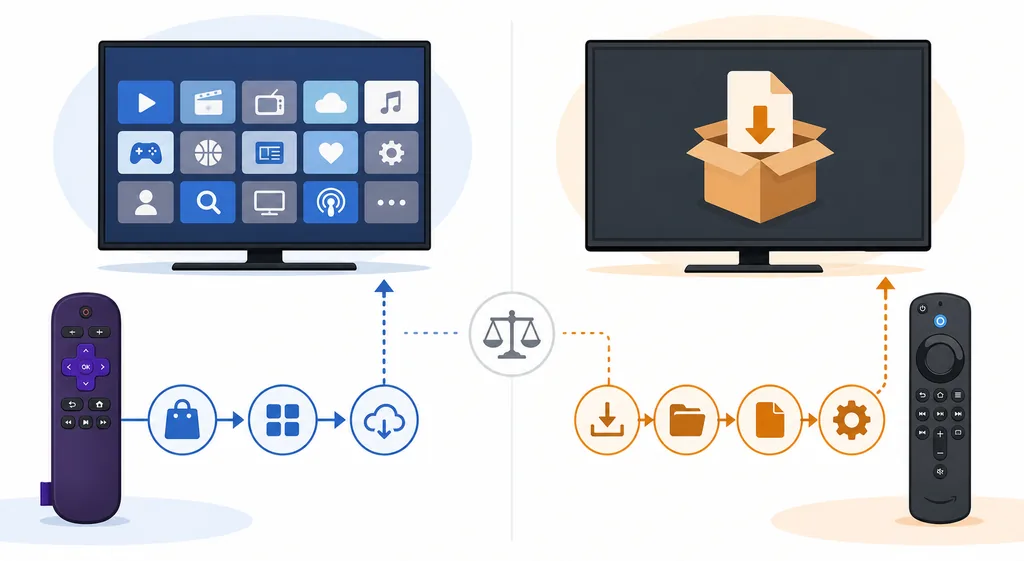
Editorial concept illustration: the two routes use different platform models. It is not a real product interface or installation screenshot.
Xuper TV source and version check for Roku searches
This is a download-intent topic, so freshness was checked before writing the page. The sources reviewed on August 22, 2026 did not provide a verifiable first-party Xuper TV Roku release, a stable Roku package, or a developer page that identifies a Roku channel. The existing Xuper TV status material describes community TV and mobile branches, but it does not establish a guaranteed official release for Roku.
Google Play listings can help compare a package name, publisher, and listing identity, but a store entry with a similar title does not prove that a sideloaded APK or a Roku tutorial belongs to the same product. Community posts can be useful status signals, but they are not the same as first-party release notes. Keep those evidence levels separate when a page claims official, latest, safe, or compatible.
For that reason, this guide does not publish a direct Xuper TV Roku download button, a guessed version number, or a promised workaround. If a future first-party source publishes a real Roku channel, recheck the publisher identity, channel availability, update date, and installation route before changing this page.
| Source checked | What it can show | What it cannot prove |
|---|---|---|
| Roku developer and support pages | Roku OS channel and publishing model | That Xuper TV has a Roku channel |
| XuperTV community status thread | Community reports and device branches | First-party ownership or a guaranteed latest release |
| Google Play listing | Identity details for that exact package | That a mirror or Roku package is the same app |
| Random Roku APK pages | Only the claims printed on the page | A real Roku APK, official status, or safe installer |
Roku, Android TV, Fire TV, and Smart TV are different routes
A useful compatibility check starts with the operating system. Roku TV and Roku streaming players use Roku OS. Android TV and Google TV use Android and may accept an Android package through an appropriate, documented route. Fire TV is also Android-based, but its model, permissions, account rules, and installation workflow still need separate checks. A television label such as Smart TV does not identify the operating system by itself.
If your goal is a large-screen Android environment, an external Android TV or Fire TV device may be a more honest route than trying to turn Roku OS into Android. That does not make every Xuper TV APK safe or compatible. You still need to identify the package branch, source, version, file size, requested permissions, and account requirements before installing anything.
| Device route | Can it run an Android APK? | Main check |
|---|---|---|
| Roku TV or Roku player | No normal Android APK install | Use Roku's native channel model |
| Android TV or Google TV | Potentially, depending on package and device | Architecture, branch, permissions, and source |
| Fire TV or Fire TV Stick | Potentially, through a documented Android-based route | Model, source permission, and current package |
| Samsung Tizen or LG webOS | No normal Android APK install | Use platform-native options or external hardware |
| Windows PC | Only inside an Android emulator | Never treat an APK or random EXE as a native port |
A safer decision flow for Xuper TV Roku questions
Start by reading the device settings page or model documentation, not a download headline. Record whether the device is Roku OS, Android TV, Google TV, Fire TV, Tizen, webOS, or a computer. Then match the question to the platform. If the device is Roku, stop looking for an Android APK and check the native channel catalogue or an approved external device instead.
If you move to Android hardware, keep the source check separate from the compatibility check. A package can install and still be the wrong branch, a clone, an altered MOD, or an app that now requires a paid account. Test with a non-critical account, keep security controls enabled, and save the source details so you can remove the package if the behavior changes.
- Identify the operating system and exact device model.
- Reject any page that promises to convert an Android APK into a native Roku channel.
- For Roku, check the official channel route or choose a separate supported Android device.
- For Android TV or Fire TV, compare package name, branch, version, file size, and permissions before installation.
- After testing, remove the package or revoke temporary install permission if the source cannot be verified.
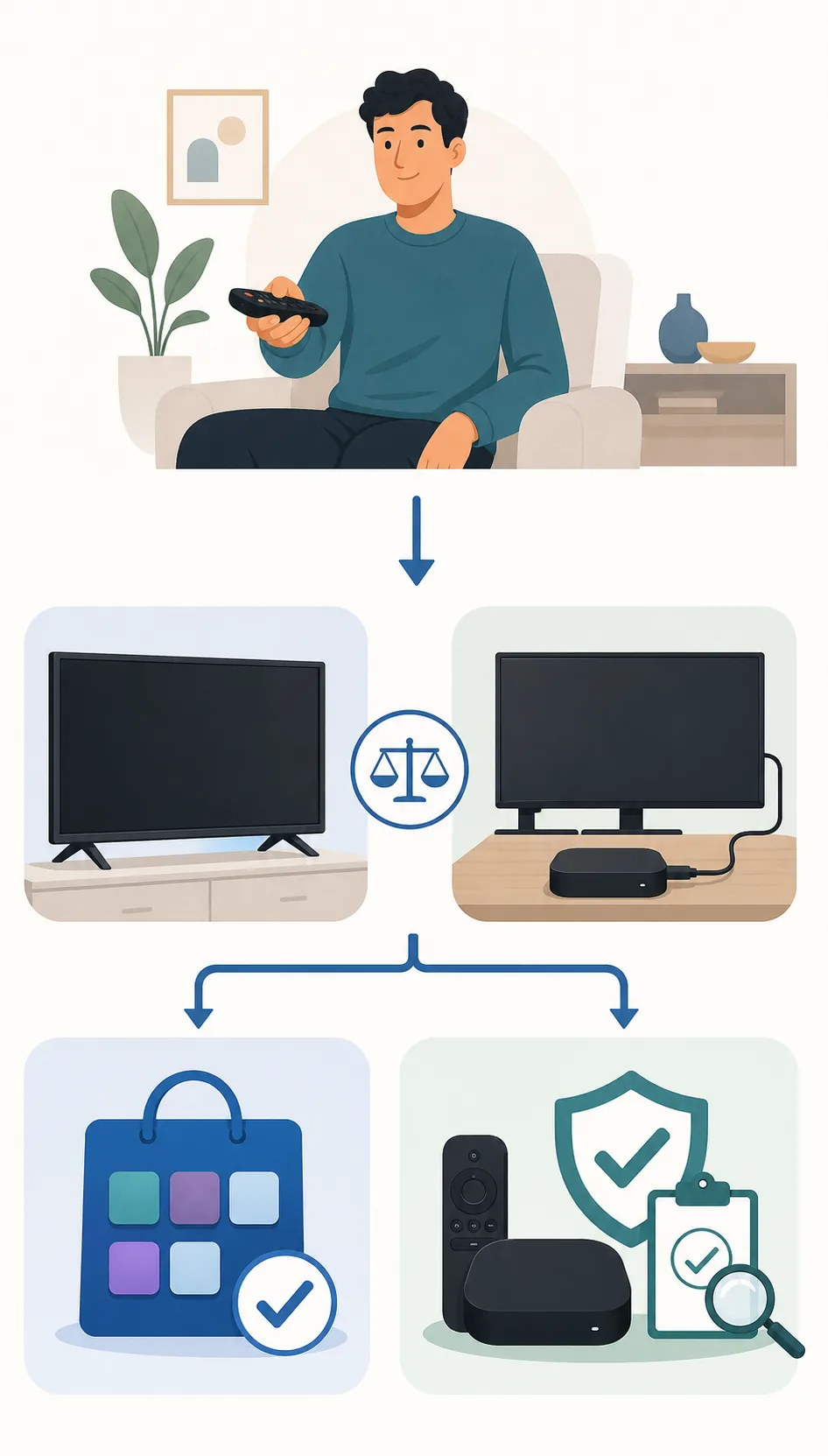
Illustrative decision flow generated for this article. The full checks are written in HTML text and the image is not a real installation guide screenshot.
How to spot misleading Xuper TV Roku download claims
Be cautious when one page uses Roku, Android TV, Firestick, PC, MOD, and latest as if they were interchangeable labels. Those words describe different platforms or risk profiles. A page that changes from an APK to an EXE, ZIP, browser extension, QR code, or unknown installer is presenting a new product that needs independent verification.
Do not disable security tools or pay a third party merely because a video promises a hidden Roku method. A warning is a reason to pause, not a challenge to bypass. If a service asks for an important password, payment details, accessibility access, or unrelated browser permissions, leave the page and return to the platform and source checks.
- The claimed platform matches the device operating system.
- The package name, publisher, version branch, and source page tell one consistent story.
- The file type is explained; an unexplained EXE is not an Xuper TV Roku channel.
- The source does not require disabling Play Protect, Windows Defender, or Roku security controls.
- The app does not request unrelated permissions or an important account password.
- You can remove the package and recover your account if the service changes its rules.
Xuper TV Roku FAQ
Check the platform before choosing a download route
No verified Xuper TV Roku package was found in the sources checked for this guide. Start with Roku's own platform documentation, then use the existing Xuper TV source guide if you are evaluating an Android-based device. This page is an independent compatibility guide, not a developer, seller, file host, or safety certification.
Related device and source guides
- Xuper TV APK source guide - TV and mobile branches, package identity, and source checks
- Xuper TV PC guide - Android emulator route and fake EXE checks
- DeepCine for Smart TV - Android TV, TV Box, Samsung, LG, and Roku boundaries
- DeepCine alternatives - Platform-native and source-verification options